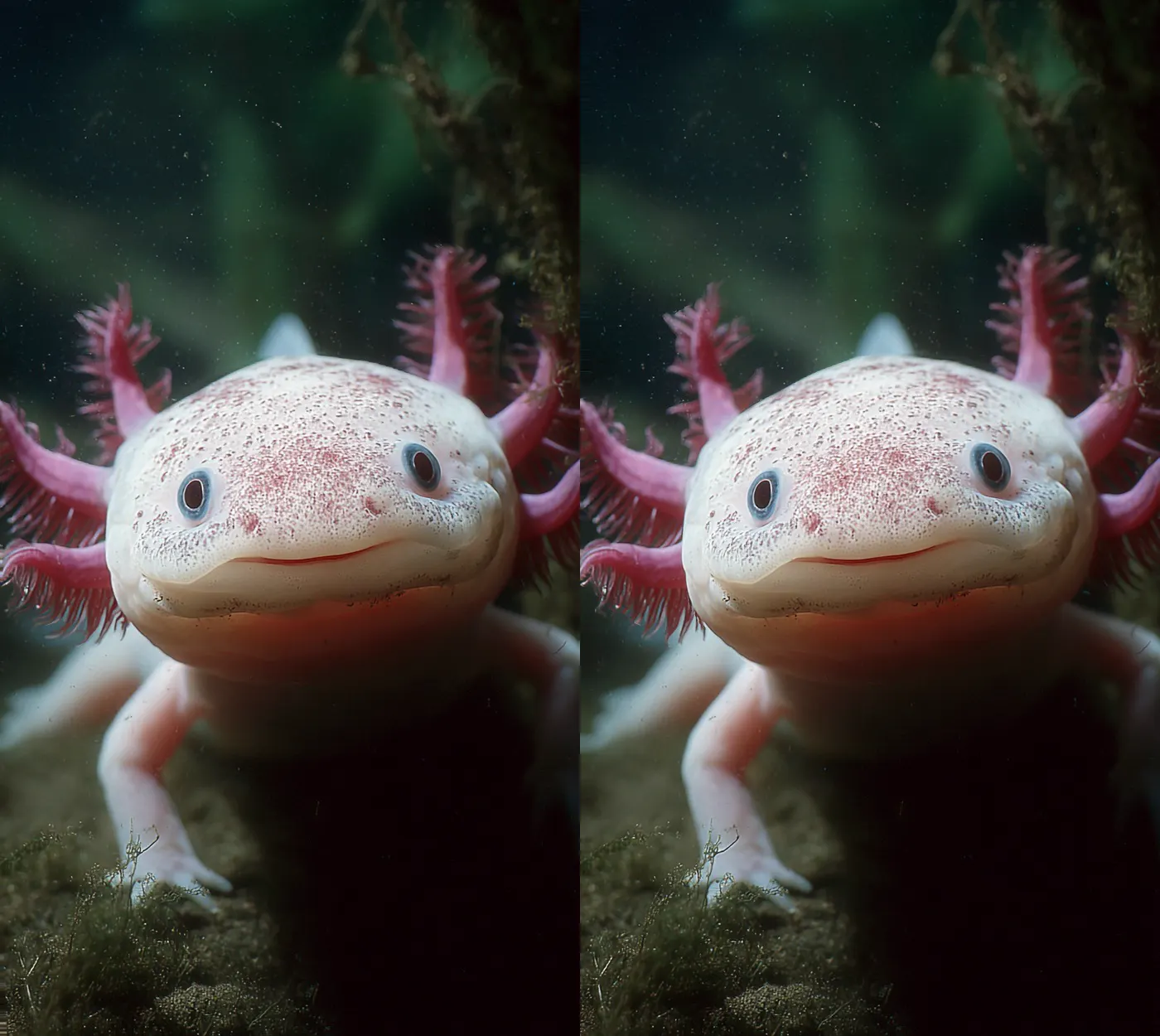
How to Make a Wigglegram from One Photo
 Spatial Media ToolkitTurn photos and videos into 3D on iPhone, iPad, Mac and Vision ProGet
Short answer: a wigglegram is a short loop that rocks back and forth between two or more views of the same moment, so the scene seems to pop out in 3D on any screen, no glasses needed. The classic way needs a camera with several lenses. Spatial Media Toolkit makes one from a single ordinary photo on your iPhone, iPad, Mac or Vision Pro. One thing up front: it saves a short MP4 video, not a GIF.
What a wigglegram is
Wigglegrams (also called wiggle stereoscopy or wiggle 3D) flick between pictures taken from slightly different positions. Near things shift more than far things, and your brain reads that motion as depth. Film photographers make them with multi-lens cameras, then stitch the frames into a loop. Without that camera, you need a way to create the extra views. Spatial Media Toolkit estimates how far away everything in your photo is and builds the motion from that depth, so any picture works, including old ones.
How to make a wigglegram from a photo
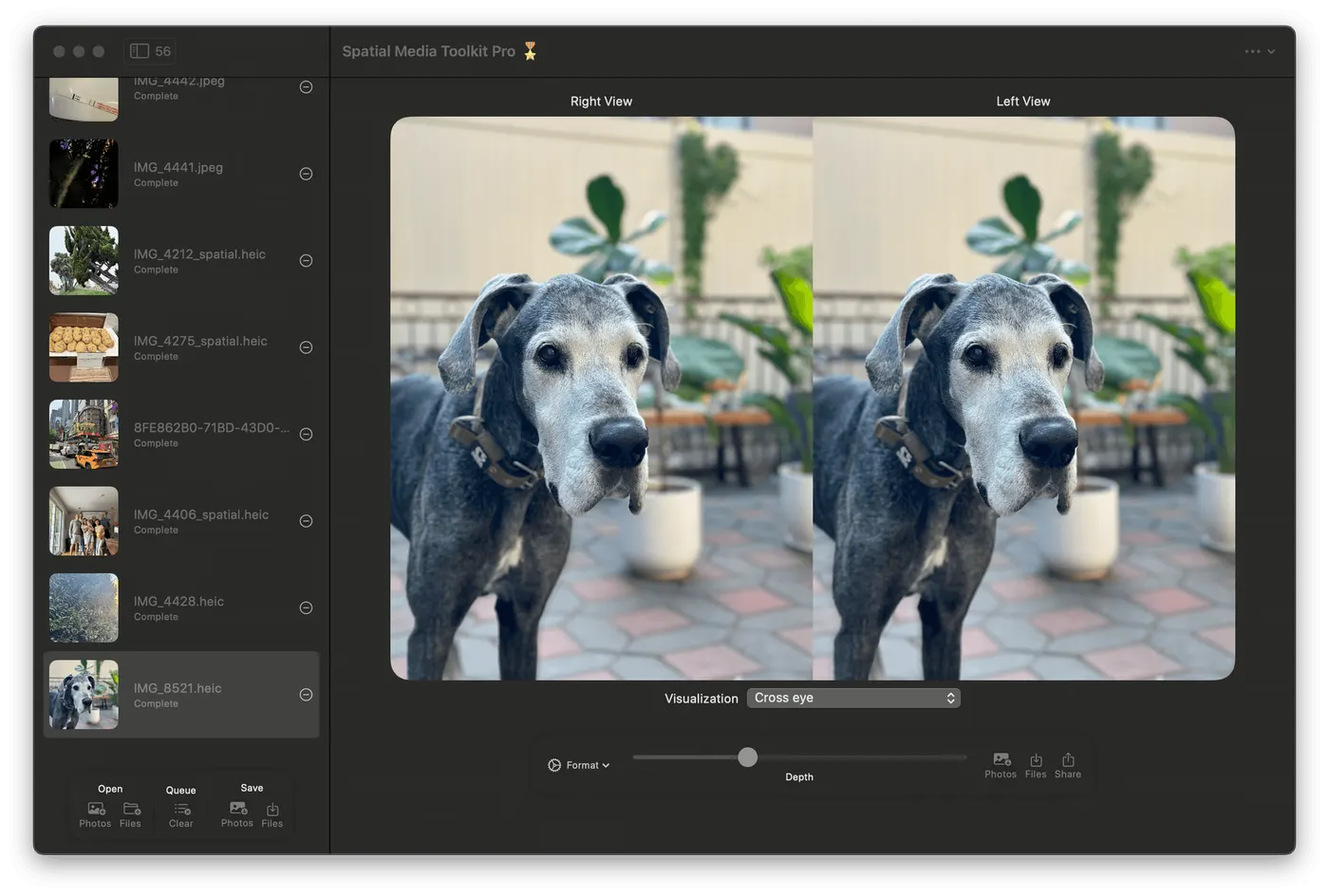
- Add the photo. Tap Photos or Files, or drag it in. It has to be an ordinary 2D photo (input Normal 2D).
- Set the output to Wiggle.
- Adjust the Depth. More depth makes a bigger wiggle. Too much can make edges, like hair, look stretched.
- Set the speed. Wiggle Speed (Speed on iPhone) sets how fast it rocks, from a quick flick to a slow sway.
- Preview it. On iPhone, iPad and Mac, set Preview to Wiggle to see the motion before you export.
- Tap Export Wiggle Video, then save it to Photos or share it.
You get a looping MP4 about six seconds long at 30 frames per second, up to 2160 pixels on the longest side. It plays like any other video on phones and computers. On a Mac, making a wiggle needs Apple silicon.
Tips for a better wiggle
- A clear subject in front of a background gives the strongest effect: a person, a pet, a plant on a table.
- Keep the depth moderate for faces up close. A gentle wiggle looks more natural than a big one.
- Try a slower speed if the fast wiggle feels jittery.
What it can't do
- No GIF. The app saves MP4 video only. If a site needs a GIF, convert the MP4 with another tool.
- Photos only. It can't make a wiggle from a video or from a file that's already 3D.
- Fixed length. The loop is about six seconds and the length can't be changed in the app.
- Not the film look. It doesn't copy the frame borders, grain or uneven frame alignment of multi-lens film cameras.
FAQ
Can I make a wiggle GIF on iPhone?
Spatial Media Toolkit makes the wiggle on iPhone as a short MP4 video, not a GIF.
Do I need a special camera for a wigglegram?
No. A multi-lens camera is the traditional way, but the app builds the effect from one photo using estimated depth.
Can I turn a video into a wigglegram?
No, wiggle only works with photos. A video can be turned into other kinds of 3D, like an anaglyph or a spatial video.
What other kinds of 3D photo can I make?
Spatial photos for Apple Vision Pro, side-by-side 3D for headsets and red-cyan anaglyphs. See how to make 3D photos on iPhone and how to convert a photo to a spatial photo.
Try it
Download Spatial Media Toolkit on the App Store and turn a favorite photo into a wiggle.